
Stopping lights reflecting on office screens
Bright patches on a monitor tire the eyes and break concentration. The cause lies in how luminaires, screens and desks are arranged, and the fix is often simple.
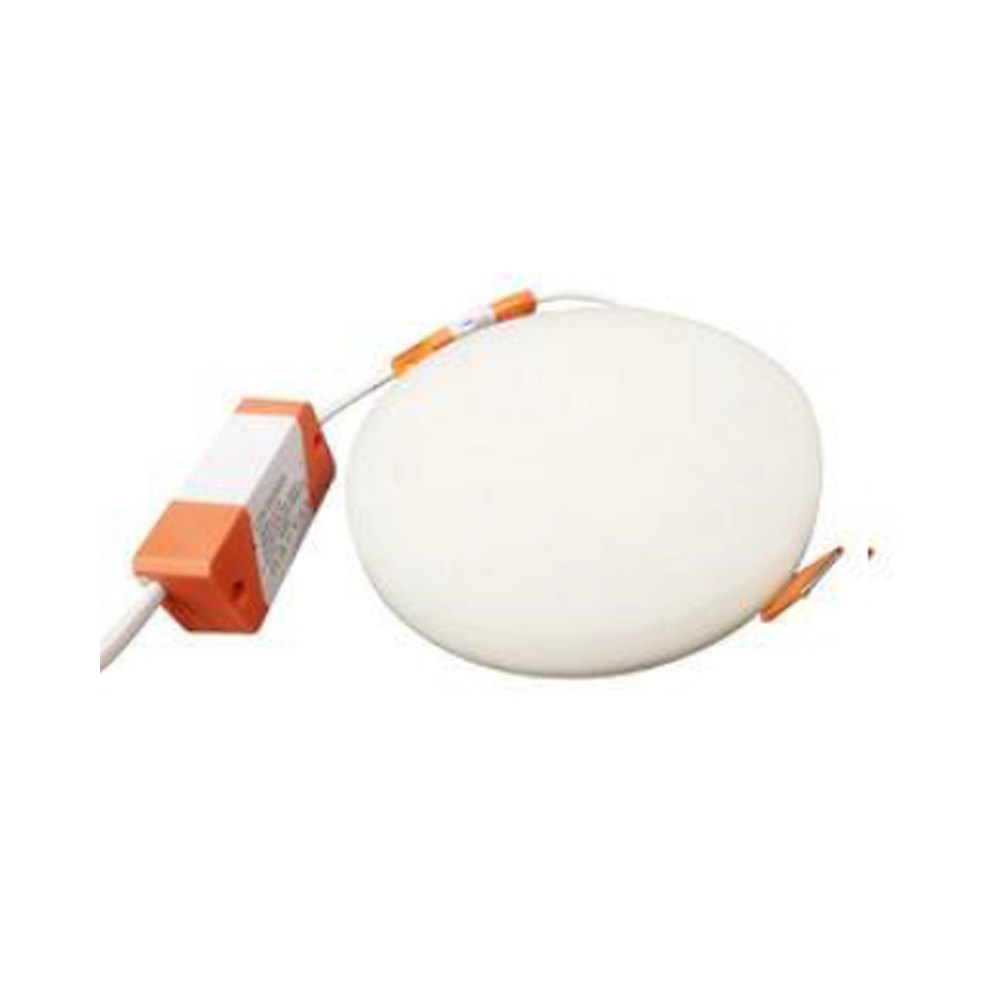
Every office has someone tilting their head to dodge a white blob of ceiling light on the monitor, or nudging the screen angle every few minutes. It seems minor, but over a working day it adds up to tired eyes, a stiff neck and shoulders, and broken concentration. The culprit is rarely a "bad" lamp; it is usually the way the luminaire, the screen and the person are positioned relative to each other.
Where the reflection comes from
A screen surface behaves like a weak mirror. When a bright source — an open luminaire, a window, even a sunlit white wall — sits behind the user or above their head, its image appears on the display. The rule is simple: light leaves the screen at the same angle it arrives. So whether you see a reflection depends on where the luminaire hangs, how far the screen is tilted back and the height from which the person is looking.
Two kinds of problem are worth separating. Direct glare happens when the luminaire itself sits in the field of view. Reflected glare reaches the eye via the screen, a glossy desk or a glass partition, and washes out the contrast of the text. The second kind is more insidious, because people often do not realise why they feel tired.
How much the luminaire matters
Fittings with bare lamps or clear covers create a small but very bright spot on the screen. An opal diffuser spreads that brightness over a larger area, so the reflection is weaker. Luminaires with microprismatic diffusers or deep louvred reflectors send most of their light downwards and release little at the low side angles that end up on screens.
The European standard EN 12464-1 rates discomfort glare at workplaces using the UGR index; writing, reading and computer work typically call for UGR 19 or lower. The standard also separately limits how bright luminaires may appear at steep viewing angles where display screens are used. When choosing a fitting, check on the manufacturer's data sheet which room size and mounting arrangement the quoted UGR value was calculated for.
Suspended direct-indirect luminaires are another good option. They send part of their light up to the ceiling, which then reflects it back as a large surface of low brightness. Instead of a small bright spot, the screen shows a soft background that is barely noticeable. This works well in offices with reasonably high, light-coloured ceilings. Laptop users are a slightly different case: a laptop screen is usually tilted further back and sits low on the desk, so it picks up ceiling luminaires easily. A separate monitor, or a stand that brings the screen closer to upright, reduces the problem considerably.
Layout: the cheapest and most effective fix
Often no new luminaires are needed at all; moving desks is enough. The key principles:
- Arrange desks so that the line of sight runs parallel to the rows of luminaires.
- Keep luminaires to the side of the workstation, not directly behind or above the user's head.
- Monitors should neither face a window nor have their back to one; the line of sight should run parallel to the glazing.
- Do not tilt screens too far back: a steeply tilted display "sees" the ceiling.
- Fit blinds or roller shades so that sunlight falling on screens can be controlled.
In an open-plan office where rearranging is difficult, replacing one or two luminaires above the problem desks with models that have better optics also works.
Surfaces and brightness balance
A sharp difference in brightness between the screen and its surroundings forces the eyes to keep readjusting. A bright monitor in a dark room is tiring, and so is a dim screen in a very bright one. Light-coloured but matt walls and ceilings spread light softly. Glossy lacquered desktops, glass partitions and shiny floors, on the other hand, become extra sources of reflection.
The monitor itself matters as well: matt screens show far weaker reflections than glossy ones. If glossy displays have already been bought, an anti-glare film can help. Adjusting screen brightness to match the room also reduces contrast problems.
Colour temperature has little direct effect on reflections. Very cool, very intense light does feel harsher in front of a monitor, though, which is why neutral white tends to be more comfortable in open office areas.
A simple check before changing anything
Mapping the problem before reorganising the office makes the job much easier:
- Switch the monitor off and look at which light sources appear in the black surface — the quickest diagnosis there is.
- Repeat in the morning, at midday and in the evening, since window reflections change with the time of day.
- Ask staff which desks bother them and mark them on the floor plan.
- If the problem clusters around a few desks, change the layout first, then the luminaire optics.
- When choosing new fittings, ask for the UGR value and the light distribution curve on the data sheet.
The results are sometimes surprising: at the desk with the most complaints, the real culprit may not be the ceiling at all but a window reflected in the glass partition behind it.
Zaferoğlu Elektrik has been producing LED lamps in Ganja since December 2021. For an office project, you can request an offer on products from the Zəfər İşığı catalogue.
All news