
A home desk: setting up light that does not tire your eyes
When working from home, eye strain often comes not from the screen but from the light around the desk. How to balance screen, paperwork and room light.
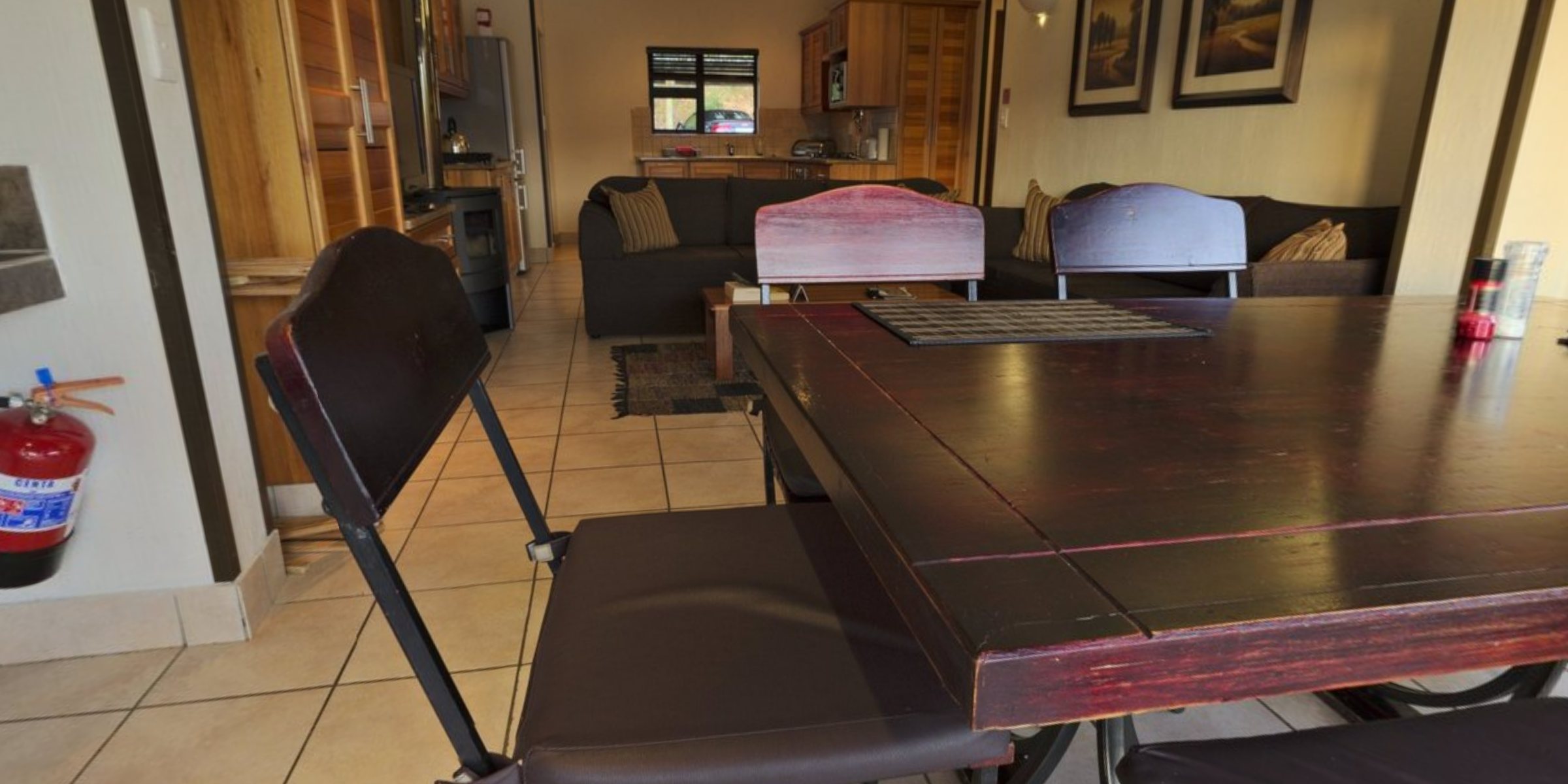
As working from home became normal, a bedroom corner, a table in the living room or a small desk by the balcony turned into an office. But home lighting is usually set up for relaxing, not for eight hours of screen work. Burning eyes, headaches and a stiff neck at the end of the day often come not from the screen itself but from unbalanced light around it. The good news is that fixing this does not require renovation; mostly it takes choosing the right position, direction and layers of light.
Desk position and the window
Daylight is the best light source, but in the wrong direction it becomes the biggest problem. With a window behind the screen, your eyes keep adjusting between a bright background and a comparatively dim display. With the window behind you, light reflects off the screen and creates glare.
The most comfortable arrangement puts the window to one side: light falls on the desk from the side, neither reflecting in the screen nor shining into your eyes. If direct sun hits at certain times of day, a light sheer curtain or blind diffuses it without darkening the room.
Contrast between screen and room
Looking at a bright screen in a dark room tires the eyes quickly. Your pupils adapt to the bright display, then must readjust to the darkness when you look at the keyboard or paper. This constant switching causes fatigue.
So when working in the evening, do not rely on a desk lamp alone; keep some general light on in the room, even if dim. A slightly lit wall behind the screen, with a wall light or a soft glow behind the monitor, also reduces contrast. Adjust screen brightness to the room: brighter by day, dimmer in the evening.
The desk lamp: where and how
When working with paper documents, a notebook or a keyboard, a separate desk lamp is essential. When choosing one, look at:
- An adjustable head, so you can aim light at the paper and keep it off the screen.
- Position: on the left for right-handed people and on the right for left-handed people, with the head below eye level so the light source is not directly visible.
- Distance from the screen. A lamp in front of the monitor reflects in it. Place it beside the screen and aim the light at the desk surface.
- The shade. A frosted diffuser or deep shade reduces glare better than exposed diodes or a clear bulb.
There are also light bars that mount on top of the monitor; they light only the desk and do not reflect in the screen. On small desks they are a handy space saver.
Colour temperature and the daily rhythm
Neutral white light supports concentration during working hours and shows text and colours clearly. In the evening, as work winds down, making the light warmer and dimmer can help the body shift towards rest. A lamp with adjustable colour temperature makes the transition easy; without one, two separate sources, neutral for the day and warm for the evening, do the job.
Lamps lit at the same time should not differ too much in colour temperature. With a cool white desk lamp in a room lit with yellow light, your eyes stay in constant adaptation mode.
Flicker and quality
Working under the same lamp for long periods, invisible flicker can also contribute to fatigue. A simple check: point your phone camera at the lamp and look for moving bands on the screen. If you see them, consider another lamp or a model with a better driver. With dimmable lamps, repeat the check at the lowest setting, where flicker often shows up.
Daily checklist
- The window is to the side, with no glare on the screen.
- In the evening, general room light is on as well as the desk lamp.
- The desk lamp is not in front of the screen and is aimed at the work surface.
- The lamp head is below eye level.
- Colour temperatures match.
- The camera test shows no noticeable flicker.
- You have a habit of looking away at a distant point every 20–30 minutes.
Your working position matters as much as the light: the upper edge of the monitor sits roughly level with your eyes or a little lower, and your back and forearms are supported. For a home office, Zəfər İşığı has E27 LED bulbs for the ceiling and both E14 and E27 options for the desk lamp.
All news