
Smart Wi-Fi bulbs: how they differ from ordinary LEDs
A smart bulb is an LED bulb with a radio module inside. Here is what that adds, what it demands from your home, and where a plain bulb still makes more sense.
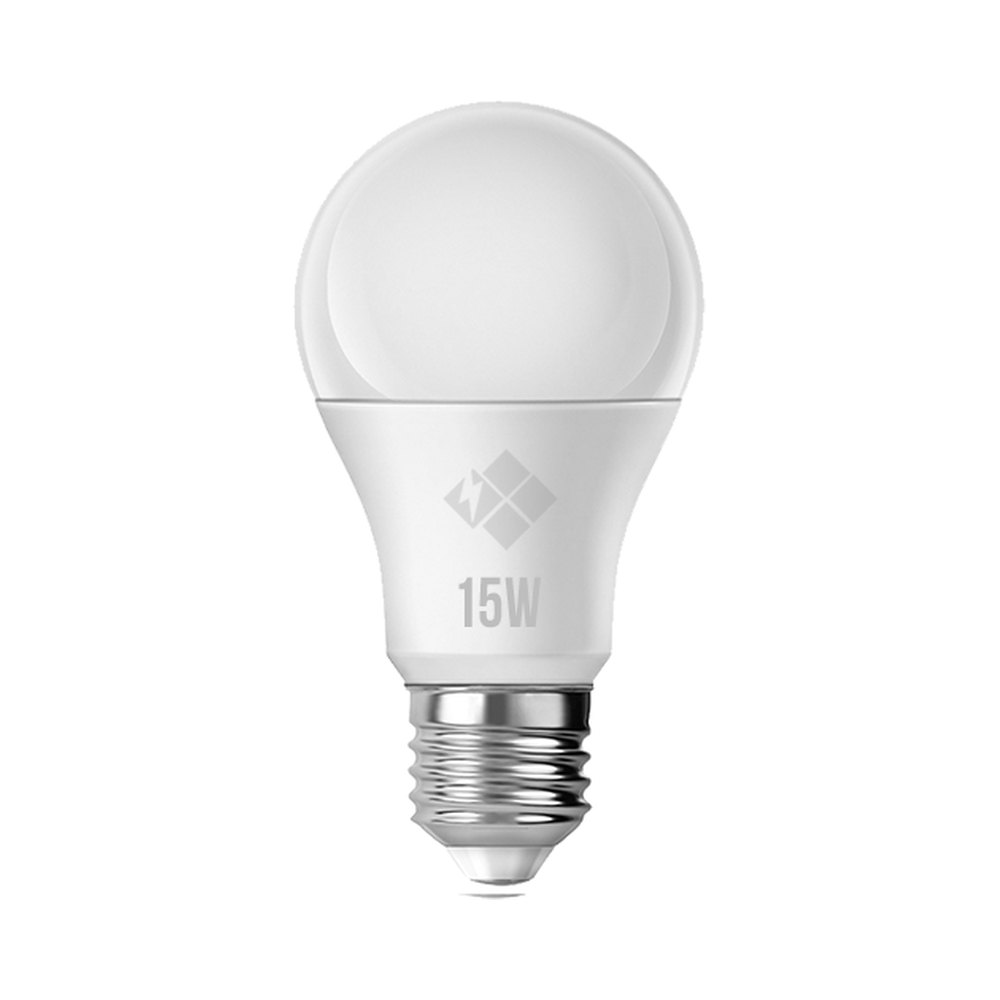
A bulb you control from your phone looks like a different kind of product, but open one up and the picture is familiar: the same LED chips, the same driver, the same cap. The difference is one small board, the radio module that receives commands. Every advantage of a smart bulb, and every new headache, comes from that module.
What changes inside
An ordinary LED bulb has a simple chain: mains voltage reaches the driver, the driver turns it into a suitable current for the LEDs, and the wall switch decides whether the bulb is on or off. A smart bulb adds a microcontroller and a radio chip with an antenna next to the driver. That chip may speak Wi-Fi, Bluetooth, Zigbee, or the newer Matter standard.
As a result the bulb has two lives. Even when the light is off, it is still powered, and the module keeps listening to the network so it can react instantly. In other words, a smart bulb draws a little power while switched off. For one bulb this is negligible, but in a home with dozens of them the standby consumption is worth keeping in mind.
Colour features are built differently too. Basic smart bulbs only dim. Models sold as "tunable white" drive warm and cool white LEDs separately and blend them for in-between shades. Full-colour models add red, green and blue chips on top.
The wall switch problem
This is the most common source of confusion: someone flips the wall switch off out of habit, and then the app can no longer turn the light on. The reason is simple. The switch has cut the power, so the module is dead and the app shows the bulb as unreachable.
Practical ways around it:
- keep the wall switch permanently on and explain this to everyone in the house;
- fit a cover over the switch so it is not turned off by accident;
- use a wireless button that works within the same system as the bulb.
Connecting a smart bulb to a conventional dimmer is also a mistake. A dimmer chops the voltage waveform, while the bulb expects a steady supply so it can manage brightness itself. Flicker, module resets or a damaged driver are the likely outcome.
Dependence on the network
A Wi-Fi bulb joins your home router and often talks through the manufacturer's cloud server. That has consequences. If the router is far away or there is a concrete wall in between, the bulb will drop off now and then. Metal shades and closed metal fittings weaken the signal further. Many Wi-Fi bulbs only work on the 2.4 GHz band, so check that this band is enabled on the router.
When the internet goes down, some systems keep working over the local network, while others lose app control entirely. Protocols like Zigbee and Matter are designed to keep commands inside the home, but they usually need a hub or a compatible bridge.
There is a security side as well. Like any connected device, a bulb needs firmware updates. Models that have not been updated for years, or whose maker has stopped supporting them, can become a weak point on your network.
Heat and reliability
The radio module and microcontroller sit next to the driver, in the hottest part of the bulb. In a closed fitting, in a holder facing upward or during summer heat, the bulb runs warmer and the electronics feel it. A plain LED bulb has relatively few parts that can fail; a smart bulb adds a radio section to that list. So warnings such as "not for use in enclosed luminaires" deserve particular attention on smart models.
When it is genuinely useful
A smart bulb brings real convenience in some situations:
- in a bedroom, switching off without getting up, or fading the light in slowly in the morning;
- lights turning on and off on a schedule while you are away;
- a room where the switch is awkwardly placed but you do not want to rewire;
- a work corner where you want warm light in the evening and neutral light during the day.
In hallways, storerooms, bathrooms and garages a wall switch is all you need. A plain LED bulb is simpler there, depends on nothing else and is easier to deal with: when it fails you replace it, with no app and no re-pairing.
Before buying, ask yourself:
- which protocol does the bulb use, and does it need a separate bridge;
- does the router signal actually reach that room;
- who uses the wall switch, and how often;
- is the fitting open or enclosed;
- if you already have a smart home system, is the bulb compatible with it.
The Zəfər İşığı bulbs produced in Ganja are conventional LEDs with no radio module inside. For rooms that do not need remote control, its E27 and E14 models can be browsed in the company catalogue.
All news