
Daylight sensors in offices: lights that dim themselves
On a sunny day the desks by the window need far less artificial light. How daylight sensors work, zoning, calibration and why staff sometimes dislike them.
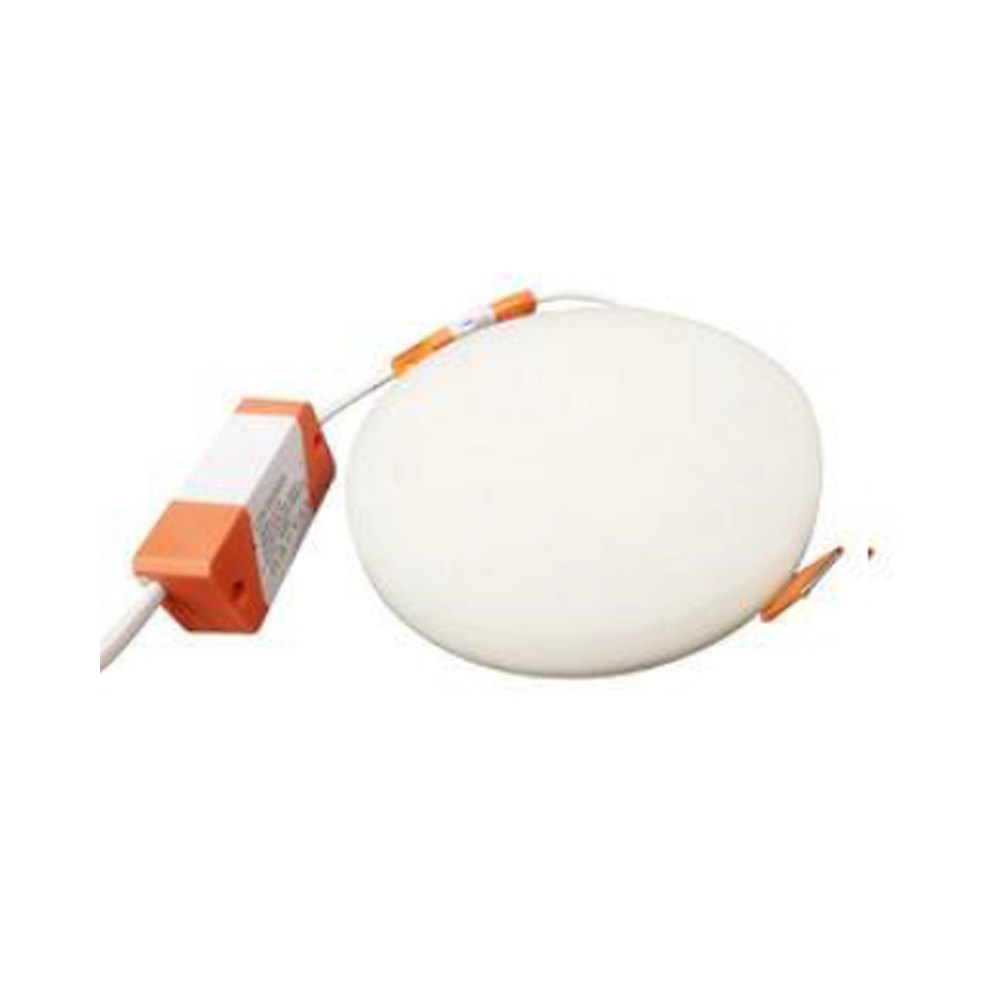
In an office with south-facing windows, desks near the glass are bright with daylight by midday while the ceiling fittings keep running at full output. Lights switched on in the morning stay on until evening. A daylight sensor removes this waste automatically: when enough light comes in from outside, artificial light dims, and when clouds roll in, it rises again.
What the sensor measures
Put simply, a daylight sensor is a small photocell mounted on the ceiling. It measures the light reflected from the surfaces below — desks and floor — and passes the reading to a controller. The controller then commands the drivers of the fittings to dim or brighten.
There are two main approaches. In the first, the sensor sees only daylight and adjusts artificial light accordingly. In the second, it measures the total light in the room — daylight plus fittings — and tries to hold a target value. Offices mostly use the second approach, because it aims to keep illuminance on the working surface constant.
An essential condition: for lighting to dim, the fittings need dimmable drivers, for example with a DALI or 1–10 V interface. A fitting with a standard driver can only be switched on and off, which is disruptive in an office.
Zoning correctly
Daylight falls off quickly with distance from the window. The row nearest the glass receives plenty of light for much of the day, while the back of the room almost always needs artificial light. Fittings are therefore grouped in rows parallel to the windows:
- first row — by the windows, the most heavily dimmed zone;
- second row — the middle zone, dimmed less;
- the deep zone — usually kept at a steady level or controlled only by occupancy.
Different sides of a building receive different light. Connecting north- and south-facing windows to one sensor usually produces the wrong result on both sides. Plan a separate zone and sensor for each façade.
Where to put the sensor
The sensor's position shapes the behaviour of the whole system. A sensor mounted too close to the window sees direct sun or bright sky and dims too much. A sensor right under a fitting gets confused by its own light.
Practical rules:
- mount the sensor in the middle of the zone it controls, at the distance the manufacturer recommends;
- point it at the working surface, not at the window;
- make sure light from the fittings does not fall directly on it;
- consider desk colour: a white desk reflects more light than a dark one and changes the sensor reading.
Calibration and comfort
After installation the system must be calibrated: the value measured on the working surface with a lux meter is matched to the sensor's reading. Calibration is usually done in the evening without daylight, and then during the day. When furniture is moved or carpets and partitions are added, it is wise to check the calibration again.
Acceptance by staff matters as much as the technology. Most complaints come from a few causes:
- light "jumps" every time a cloud passes — fade times and delay settings prevent this, and changes should be smooth and slow;
- the sensor switches light off completely and the room looks empty — a minimum level is usually more comfortable;
- the sensor reacts slowly when blinds are closed — if blinds cause sudden changes, check the response speed;
- staff have no control over their own light — a local button for temporary override greatly reduces objections.
Combined with occupancy sensing
A daylight sensor only regulates light level; it does not know whether anyone is in the room. The most efficient arrangement combines it with a motion or presence sensor: if nobody is there, the lights go off; if someone is, they burn only as much as daylight requires. Many modern ceiling sensors combine both functions in one housing.
One point should not be confused: a daylight sensor reduces artificial light, but it does nothing about glare from the sun. Direct sunlight on a monitor or desk calls for blinds, curtains or solar control film. In some buildings the blinds are automated as well and linked to the lighting system. In that case artificial light must rise again when the blinds come down, otherwise desks by the window are suddenly left in the dark.
The size of the saving depends on window size, façade orientation, working hours and climate, so it has to be assessed building by building. Metering the lighting circuit separately after the system goes live gives the most realistic picture.
Zəfər İşığı products are listed in the online catalogue; compatibility with dimming should be confirmed for each model.
All news